For established B2B service companies
We turn one recurring workflow into a system that runs inside your existing tools.
If the same work keeps coming back to a senior person—moving information, chasing the next step, checking details, or approving changes—we map it, connect the tools, and build the system that carries it.
Start with one workflow. Keep the tools that already work. Important decisions still wait for your team.
Introducing Outproduce Workers
The work that always comes back to you. Handled.
Outproduce builds and runs dedicated AI workers that learn your business, do the recurring work inside your tools, and ask before doing anything risky.
- Built on your business
- Run and fixed monthly
- New work handed over each month
With its own computer, phone and inbox. You message it like a colleague.
It reads the request, works the tools, and replies when it is done. Anything outside its rules waits for you.
See it work: Heiny doing a real job →Find John Smith’s invoice for job 3370, file it in a new Dropbox folder, log it in the tracker and send me the link
On it. Gmail, Dropbox and Sheets, back in a few minutes.
Done. Invoice is in /Jobs/3370 and on the tracker, row 213. dropbox.com/scl/fo/…/3370
Want me to do this every time a supplier invoice lands?
yes
Set up. You’ll get a message each time one is filed.
Systems built around the way your company already works
You do not need to choose an AI product. Show us the work that repeats; we determine which combination of automation, AI, and software the workflow actually needs.
Rank the work by hours lost and risk, then write the first build as a definition the board can fund.
Readiness review · ranked portfolio · Operating Map
Explore strategy Workflow automationMove information and next actions across the tools your team already uses.
Inbox to CRM · CRM to project tool · status follow-up
Explore automation AI agentsRead approved company information, use tools, and act within narrow limits with a person on every consequential step.
Support · lead qualification · back-office judgment
Explore agents Custom softwareBuild the interface when the workflow needs accounts, permissions, records, or a daily control panel.
Internal tools · client portals · approval queues
Explore software AI for brandsOn-brand visuals and copy from a pipeline tuned to your references, with a person reviewing every asset.
Brand analysis · per-channel variations · review gate
Explore brand content AI for marketingThe weekly report, ad-account checks and content drafts handled, with every publish and budget change waiting for you.
Reporting · ad-account checks · content repurposing
Explore marketing ops Managed AI employeeOne AI worker for one repetitive job. We build it, run it inside your inbox, CRM and helpdesk, and tune it every month.
AI support rep · AI sales rep · AI operations rep
Scope my first role[ Fit Review ]
Not sure which workflow to start with?
Tell us what keeps coming back to one person. We will tell you whether it is a fit, what information is missing, or why you should not build it.
Book a Fit ReviewBuilt for how service companies actually operate
Outproduce installs one production workflow inside an established B2B service company’s existing tools. The best fit is a repeatable cross-tool process with real records and a named business owner.
Established B2B service companies where the same work keeps coming back to a senior person because the tools do not talk to each other.
Teams that run one repeatable, cross-tool process with real records and a named owner, and want it to move without chasing.
Functions where documents, reconciliations, and recurring reports are still assembled by hand across several systems.
Sales, support, and delivery teams where requests arrive in one place and the answer lives in three others.
Built by Outproduce
We do not only build systems for clients. We build and operate our own, and publish the build records with what is verified and what is not claimed.
One controlled surface for ad-account operations.
Account and campaign views, creative work, review tools, and resulting actions brought into one product. Consequential changes wait for the operator.
Owned product screenshot · build evidence, not client proof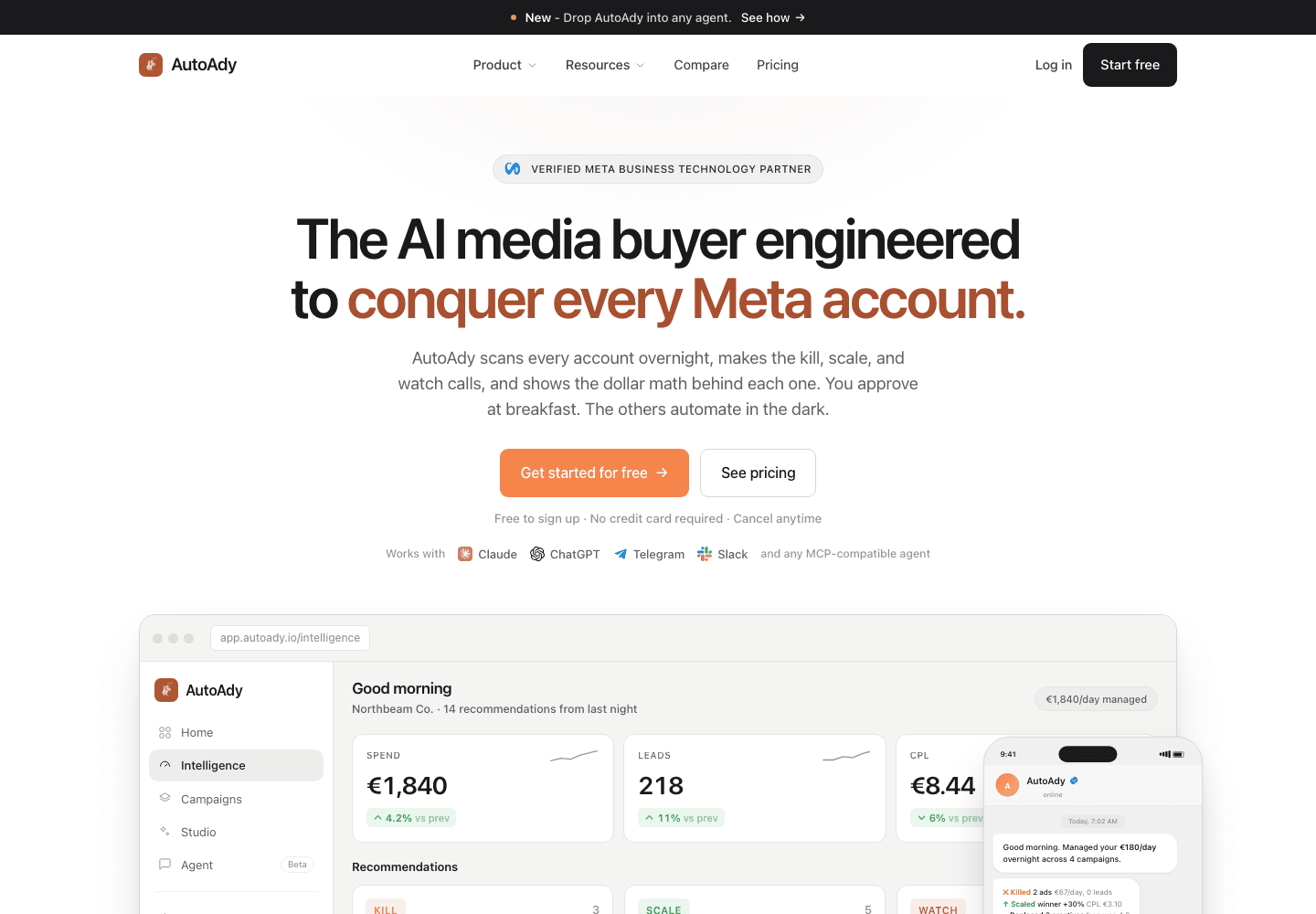
Want a system like this inside your own tools?
Show us the workflow. We reply with a fit decision, a request for specific information, or a recommendation not to build.
What gets installed
Every system combines the capabilities the workflow actually needs, and states what it reads, what it prepares, what waits for a person, and how failures surface.
Workflow automation
Move records, next actions, and status between the tools you already run.
AI agents
Read approved context, prepare narrow actions, stop for a person where it matters.
Document processing
Extract, check, and file the fields a process needs from inbound documents.
Custom software
Portals, internal tools, and approval queues when the workflow needs a screen.
Integrations
Connect existing APIs, databases, and platforms where technically feasible.
Approval controls
Consequential changes wait for a named person. Every item ends visibly.
Readback and monitoring
Final state is checked in the tool your team relies on, not assumed.
Team training
Owner handover, playbooks, and role-specific training on the installed system.
Why Outproduce?
A systems partner for established service companies that need one workflow to actually run, and keep running after launch.
One workflow first
We start with a single recurring process, not a transformation programme. Scope stays small enough to finish and prove.
Your tools, not ours
The system runs inside the software you already use. We do not ask your team to change process to fit a new tool.
Approval where it matters
Messages, spending, and important record changes wait for the named person. Consequential changes wait for a person.
Ownership in writing
Code, access, hosting, documentation, and support are agreed in writing. You can choose a documented handover instead of ongoing support.
How we work
Four clear stages. You decide whether to continue after each one. Engineering does not begin until scope, price, timeline, and the test for success are written down.
- 01
Fit Review
FreeOne conversation about one recurring process. You leave with a fit decision, a request for specific information, or a recommendation not to build.
- 02
Operating Map
Paid · yours to keepWe follow the real work and document owners, records, failure points, and boundaries. You receive scope, timeline, acceptance test, and a fixed build price.
- 03
Production Install
Fixed scope · fixed priceWe connect the agreed tools, build the workflow, test it on real work with your team, and launch only after it passes the written acceptance test.
- 04
Operate or hand over
Your choiceManaged support under a separate agreement, or a documented handover with the agreed code, access, documentation, rules, and test records.
Stage 01 starts with a 20-minute call.
The Fit Review is free. Pick a time and bring the workflow that keeps landing on a senior person.
20-minute call
Tell us which workflow eats your week.
A working call, not a pitch. In 20 minutes we pick the one piece of work that costs your team the most hours, tell you plainly whether a system can carry it and what setting it up would involve, and you leave with a clear next step, with us or without us. Bring one process that feels slow or manual. You talk to the person who would build it, not a salesperson.
- Format
- 20 minutes, Google Meet
- You leave with
- A go or no-go, the systems involved, and a rough build timeline
- Bring
- One example of the work: an email thread, a form, a spreadsheet, a screenshot. And the tools it lives in.
- Included if we go ahead
- Unlimited agents, unlimited tokens, all infrastructure. One monthly fee.
- Commitment
- None. Nothing is set up until you say so.
What happens on the call
- 01Walk through the workWhere it comes from, which tools it touches, where it breaks.
- 02What we would buildWhich systems it connects to and what stays with your team.
- 03Fit and next stepYes with a scope, or a plain no.
Calendar not loading? Open the booking page on Cal.com or email team@outproduce.io.
Frequently asked questions
Straight answers about how we work, what we build, and what to expect before you start.
01What does it cost?
Mapping is paid. It defines the work needed and leads to a fixed build price. Cost depends on the process, the tools, the data, and the checks required. Support is priced separately.
02How long does it take?
We agree the timeline after mapping. Access to the tools, the state of the records, and your team’s time for testing all affect the schedule.
03How do you handle our data?
We agree which records the system needs, who can access them, and what can be changed. Your data and security requirements are part of the design.
04What happens if a step fails?
The system flags the affected item for a named person. We test these failure paths before launch. After launch, the agreed support or handover plan sets out who fixes the problem.
05What does our team need to do?
Explain the process, provide the agreed access, and review the tests. We agree who needs to take part and when. We handle the engineering.
06What if we already use AI or automation?
We review what works and what is still done by hand. If an existing tool solves the whole problem, we recommend it rather than a custom build.
07Are we tied to ongoing support?
No. Ownership, code, access, hosting, and support are agreed in writing. You can choose a documented handover instead of ongoing support.
[ Start with one workflow ]
Show us the workflow that keeps coming back to one person.
Tell us what starts it, who owns the result, and which tools carry it today. We will reply with a fit decision, a request for specific information, or a recommendation not to build.
The Fit Review is free. The detailed Operating Map is a separate paid stage.